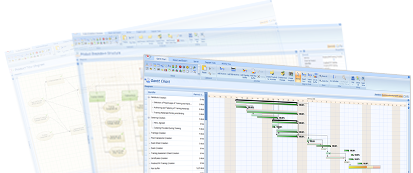
P2ware Project Manager 7 is a project management software for professional managers demanding tool that embraces all aspects of real world project management from planning to execution. The software is PRINCE2® and PMI PMBOK® compatible and can easily be tailored to in-house methodologies, both more and less formal. P2ware Project Manager 7 provides clear and comprehensive diagrams, Gantt Chart, product-based planning technique, empowers resource management, cost control, reporting and includes all frequently used registers and logs.
P2ware Project Manager 7 integrates with P2ware Project Team Server 7 or P2ware Portfolio Server 7 making it possible to scale project management environment whenever needed and introduce new functionalities such as shared resources management, documents repository, workflows, and secure online access.
Includes English, French, Spanish and Polish versions.
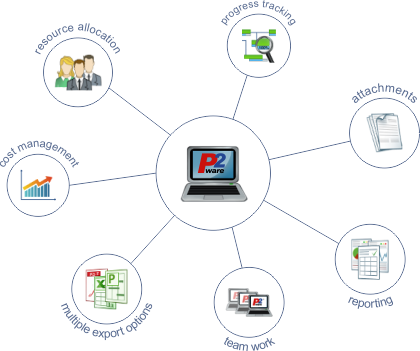
Main features
- Complete support for project planning and execution
- Comprehensive diagrams including Gantt Chart, Network Diagram
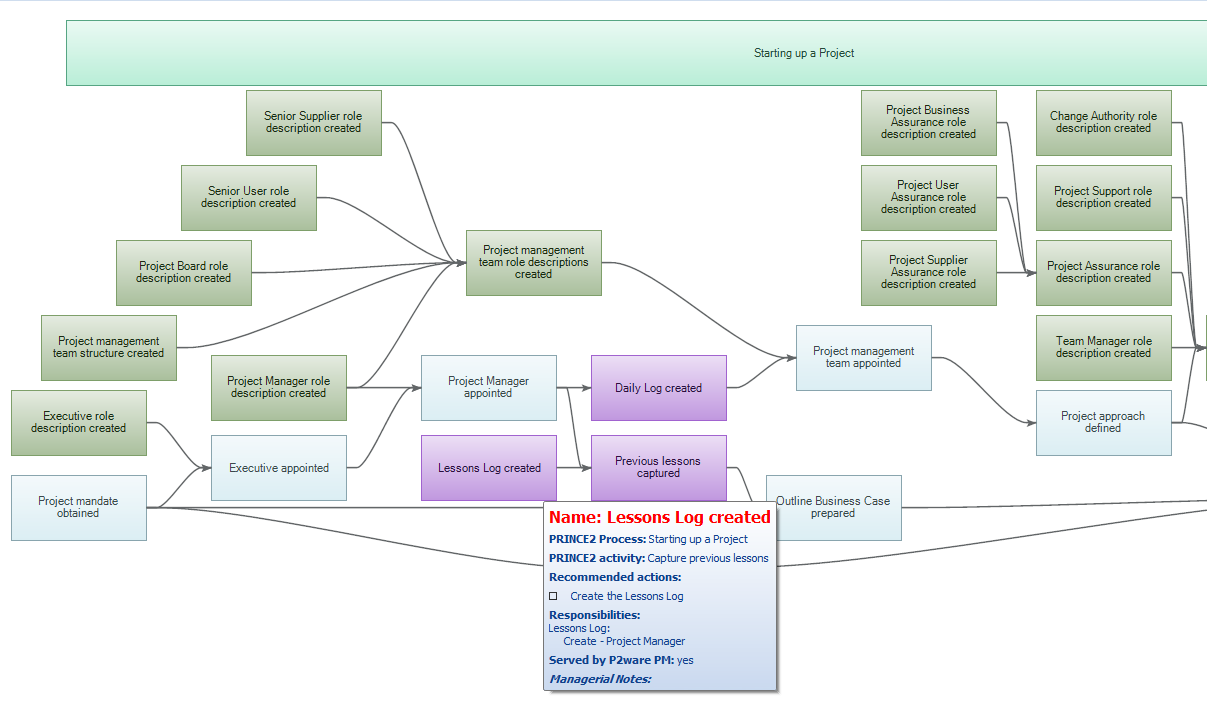
- Ultimate product-based planning support: Product Breakdown Structure, Product Flow Diagram and automatic generation of Gantt Chart/Network Diagram
- All required registers: Risk Register, Issue Register, Quality Register
- Important logs: Daily Log, Lessons Log
- Resource management
- Cost planning and control
- Over 40 real world report templates
- Unique customisation functionalities
- Integration with server applications and other tools
- Free Project Manager 7 Viewer for teams, stakeholders and other users
Key benefits
- All key project aspects under control
- Faster, easier and more accurate project planning and execution
- Unique scope and quality planning support every so often neglected in other tools on the market
- More time for your team, better communication and understanding of project goals
- Better and more successful project management
Leverage leading project management techniques
Leverage leading project management techniques
- PRINCE2® and PMI PMBOK® compatible
- Suitable for agile projects
- Helps in implementing the best practices of project management
Plan and control projects with state‑of‑the‑art tools
Plan and control projects with state‑of‑the‑art tools
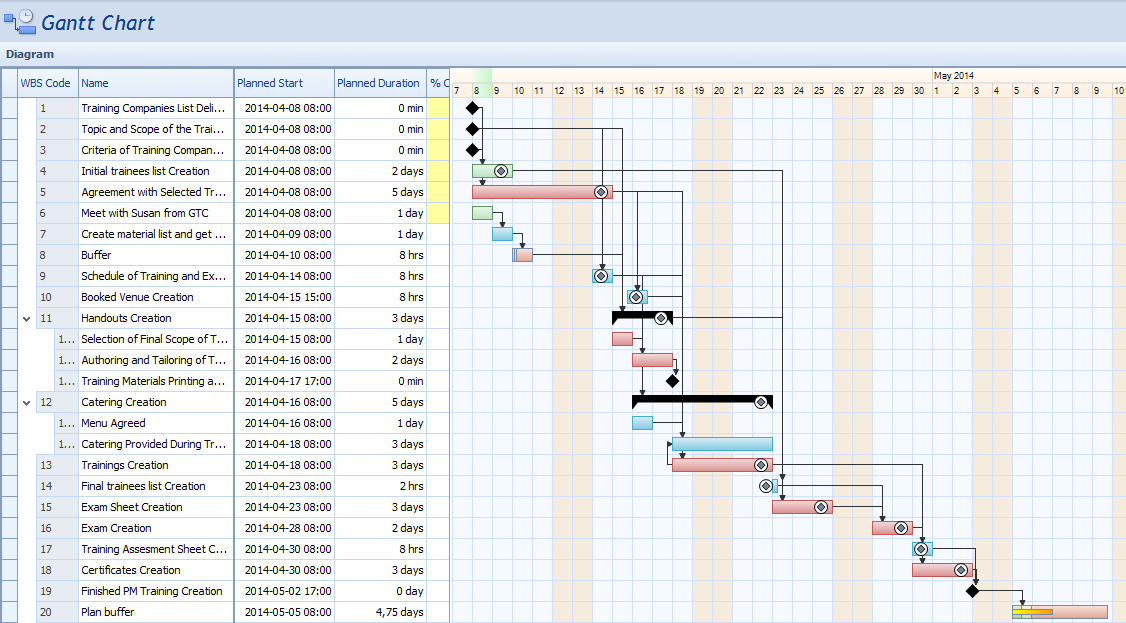
- Easy to create Gantt Chart
- Critical Path, Critical Chain and Buffers
- Network Diagram created automatically from the Product Flow Diagram
Prevent requirement creep with well-defined project scope
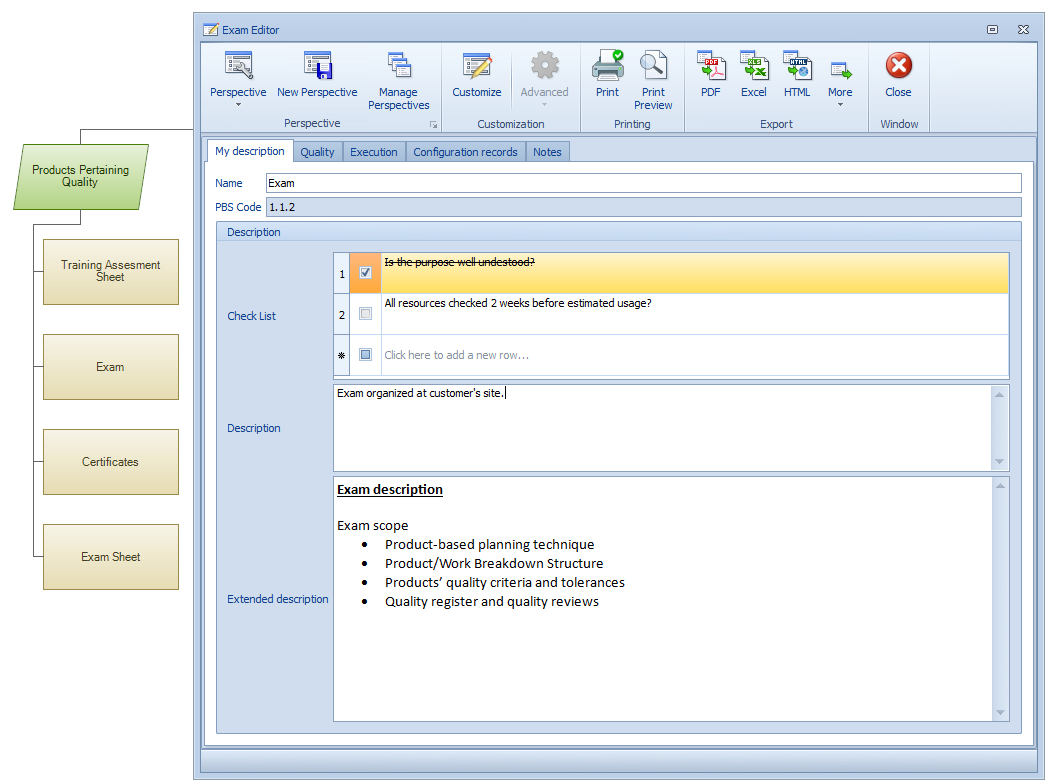
Prevent requirement creep with well-defined project scope
- Product-based planning technique
- Product/Work Breakdown Structure
- Products' quality criteria and tolerances
- Quality register and quality reviews
Visualize complex relationships in a clear, comprehensive way
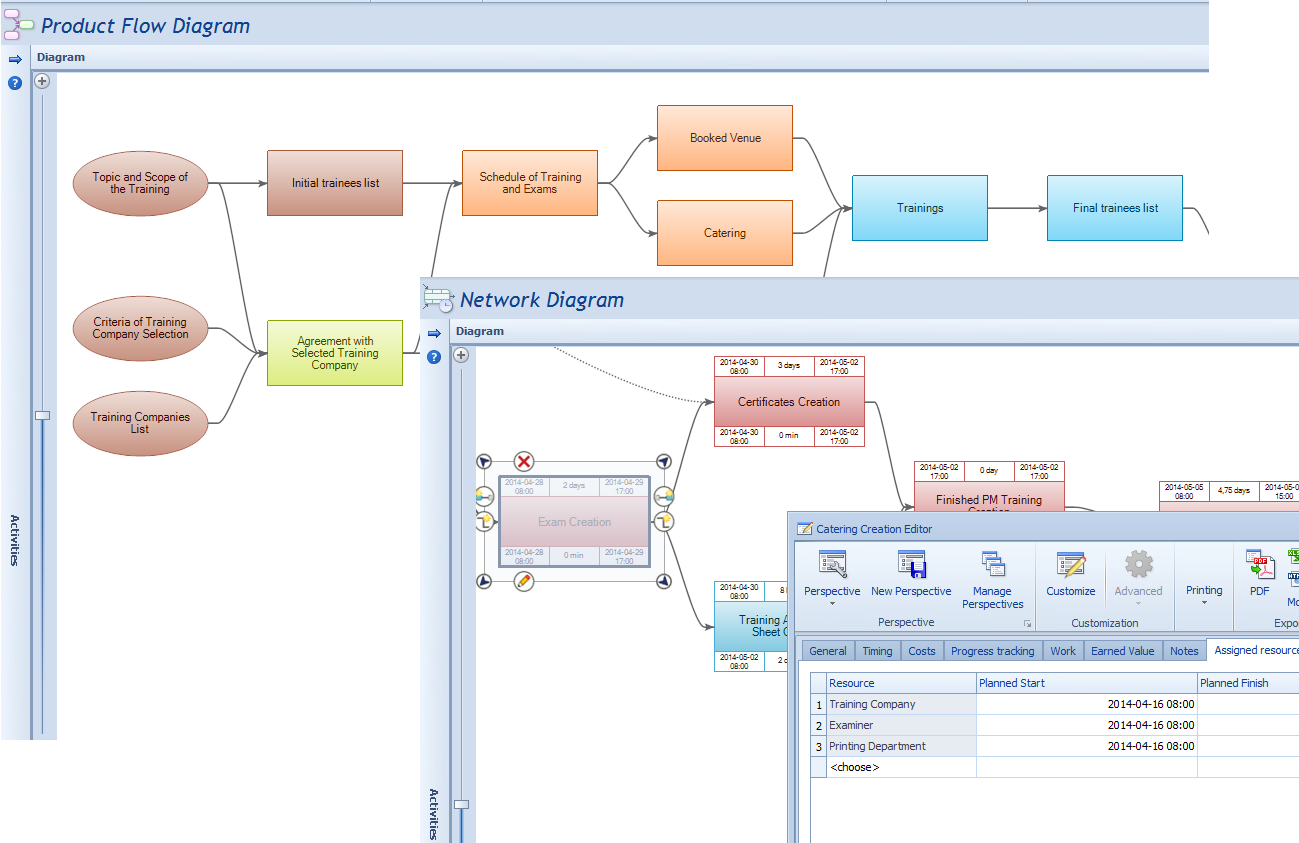
Visualize complex relationships in a clear, comprehensive way
- Diagrams
- Tables with data filters
- Summaries, groupings, conditional formatting
- Relationships between plan objects e.g. risks – products – activities - resources - lessons learned
Keep important data organized
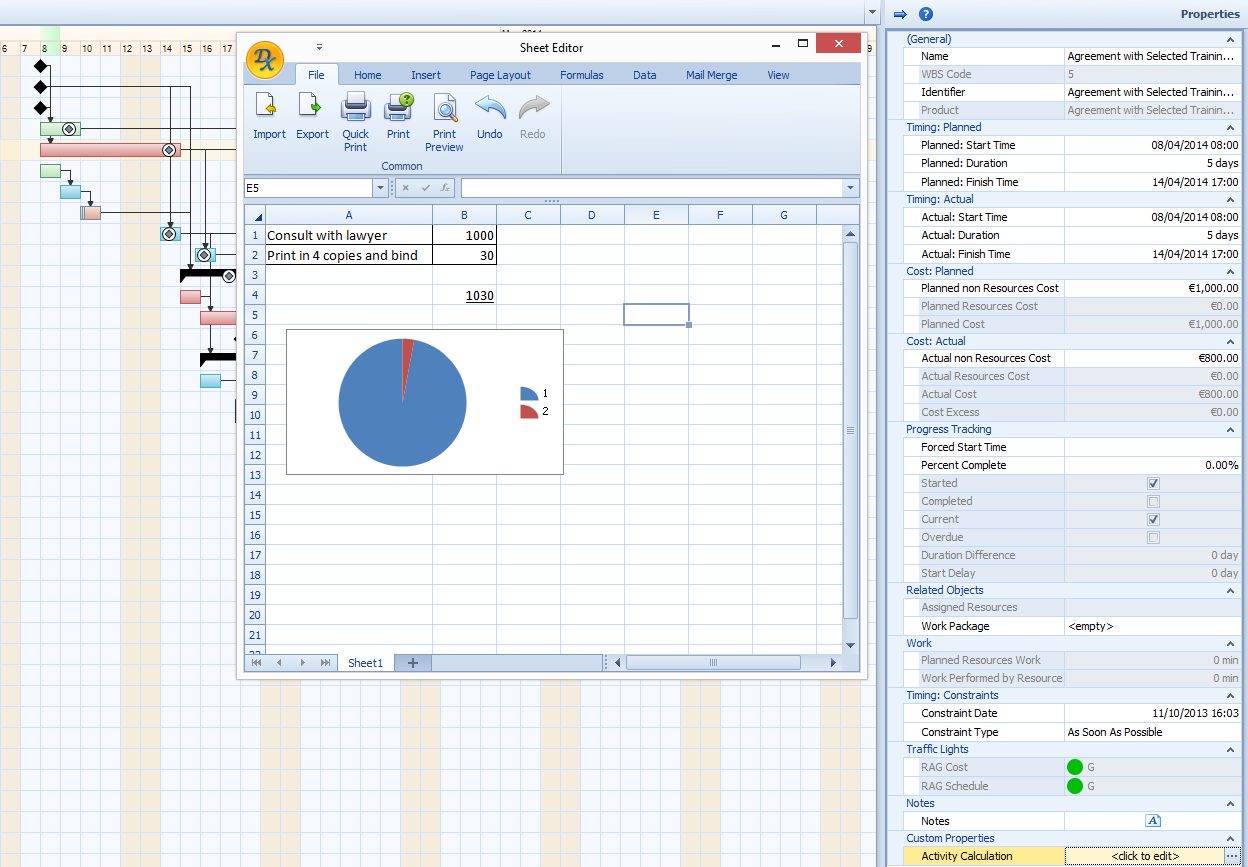
Keep important data organized
- Properties window and Editors for easy data entry
- Robust Rich Text Format descriptions and Spreadsheets
- Check lists
Never enter the same data twice!
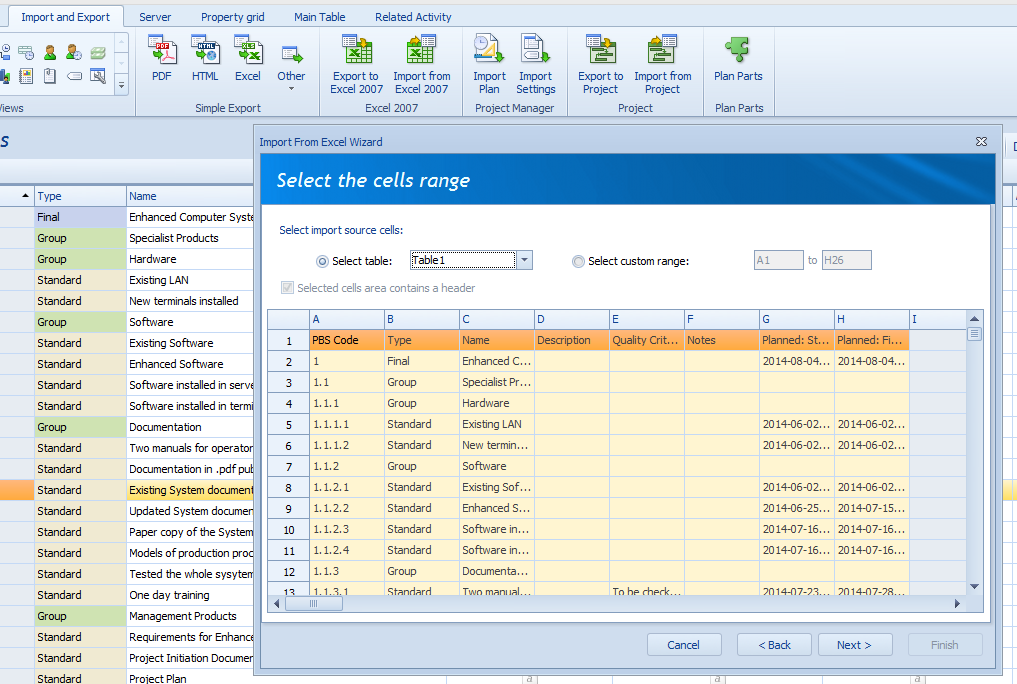
Never enter the same data twice!
- Data entered into one form may be used on other views
- Use perspectives to change data visualisation
- Two-way integration with Microsoft® Excel® and Microsoft® Project
Easily create up-to-date reports in any shape you need
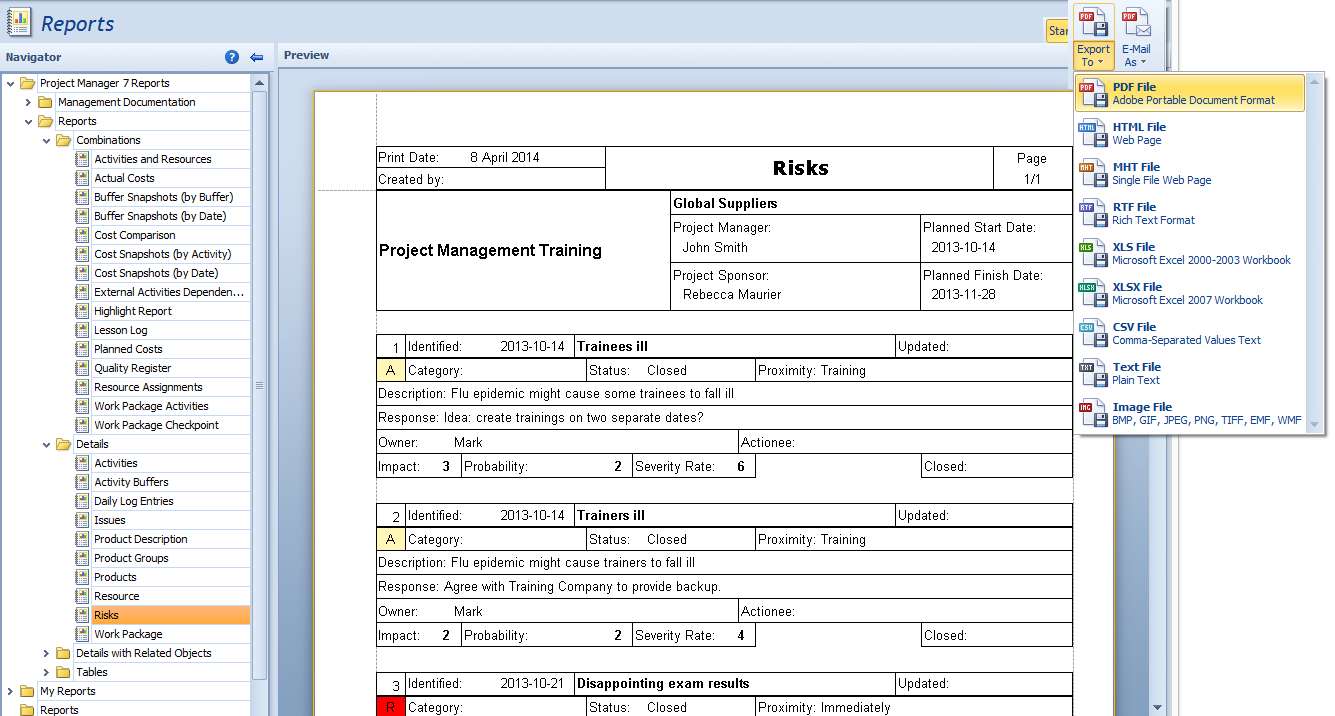
Easily create up-to-date reports in any shape you need
- 40+ predefined report templates for easy reporting
- Custom report template creator
- Export data to many popular formats, e.g. PDF, HTML, XLS, RTF, TXT
Control the project costs within defined tolerances
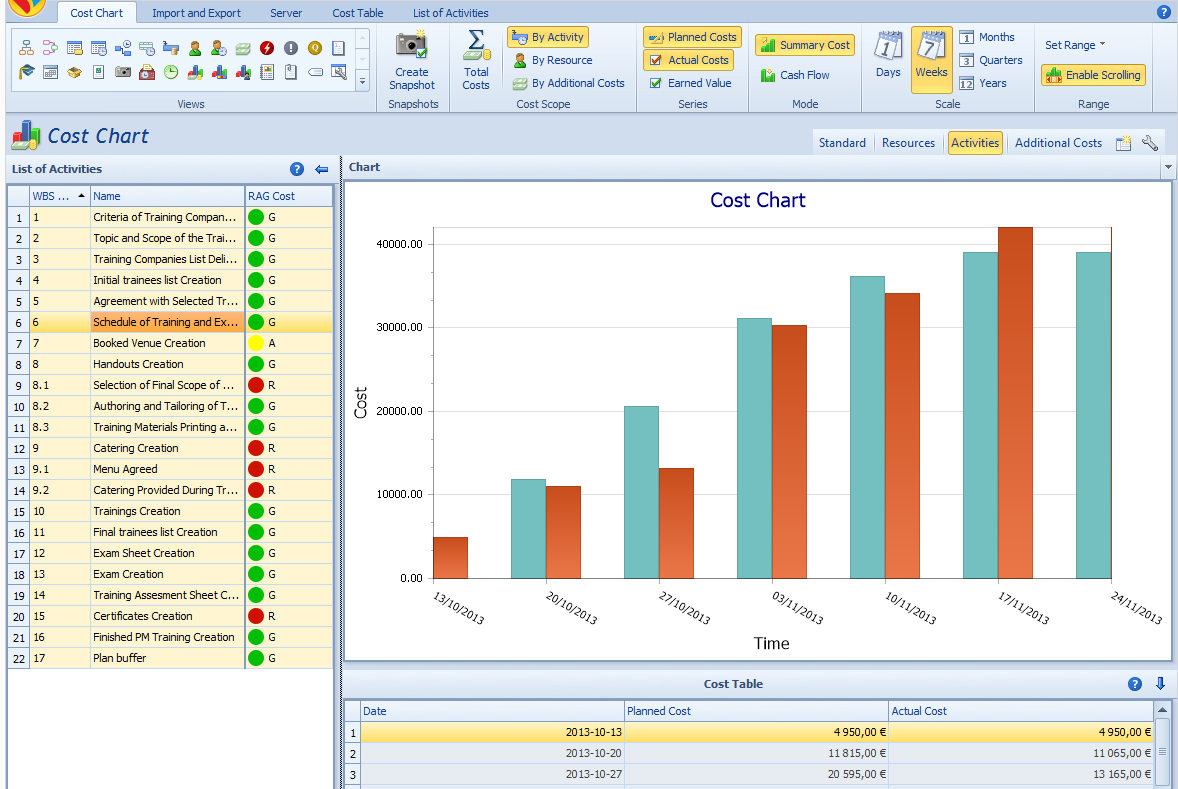
Control the project costs within defined tolerances
- Cost chart - planned, actual costs, cash flow
- Earned Value
- Plan and control additional costs
- Define budget tolerances and monitor traffic lights indicators
- Cost buffers
Identify and manage risks beforehand
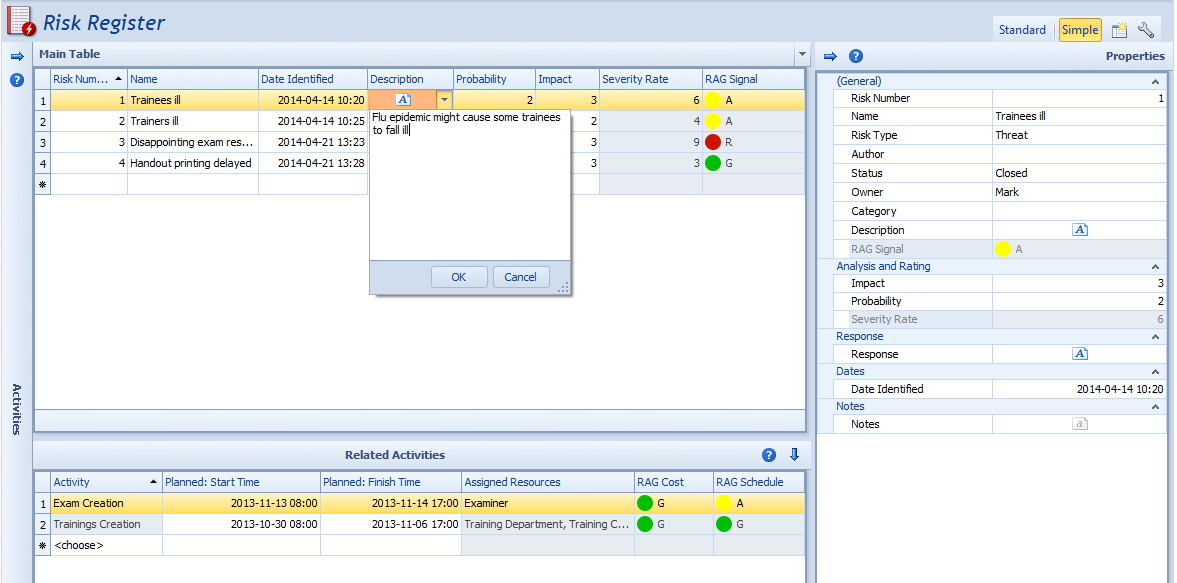
Identify and manage risks beforehand
- Risk Register with risks description and evaluation
- Relate risks with other aspects of your plans
- Assign risk owners and risk actionees, plan risk countermeasures
- Exploit opportunities
Leave no significant issue nor incident unsolved
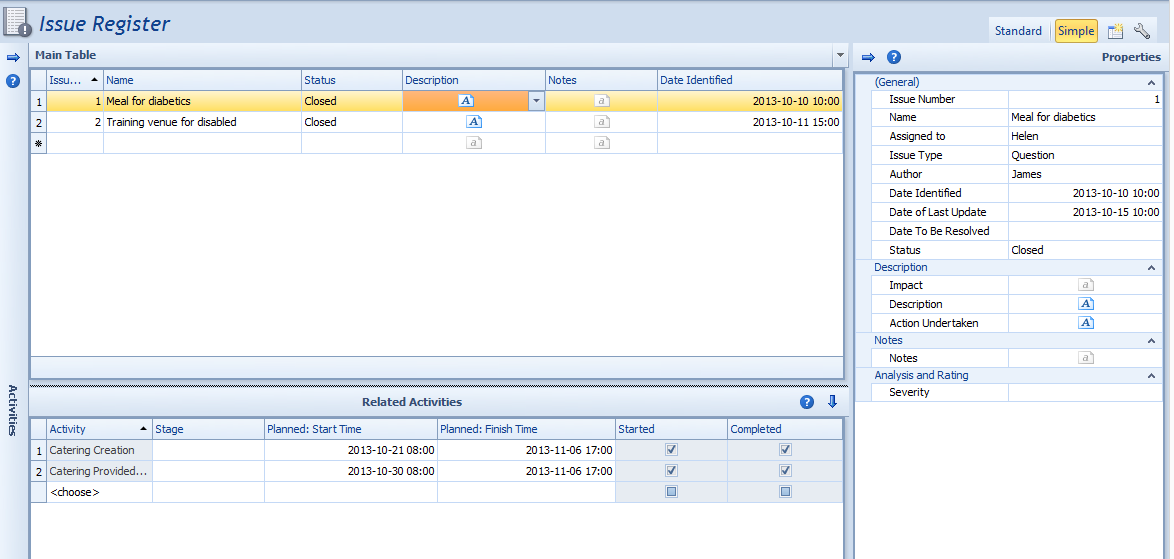
Leave no significant issue nor incident unsolved
- Track issues in Issues Register
- Issue Reports
- Daily Log
- Learn from previous projects browsing Lessons Log
Customize Project Manager 7 to fit all your needs
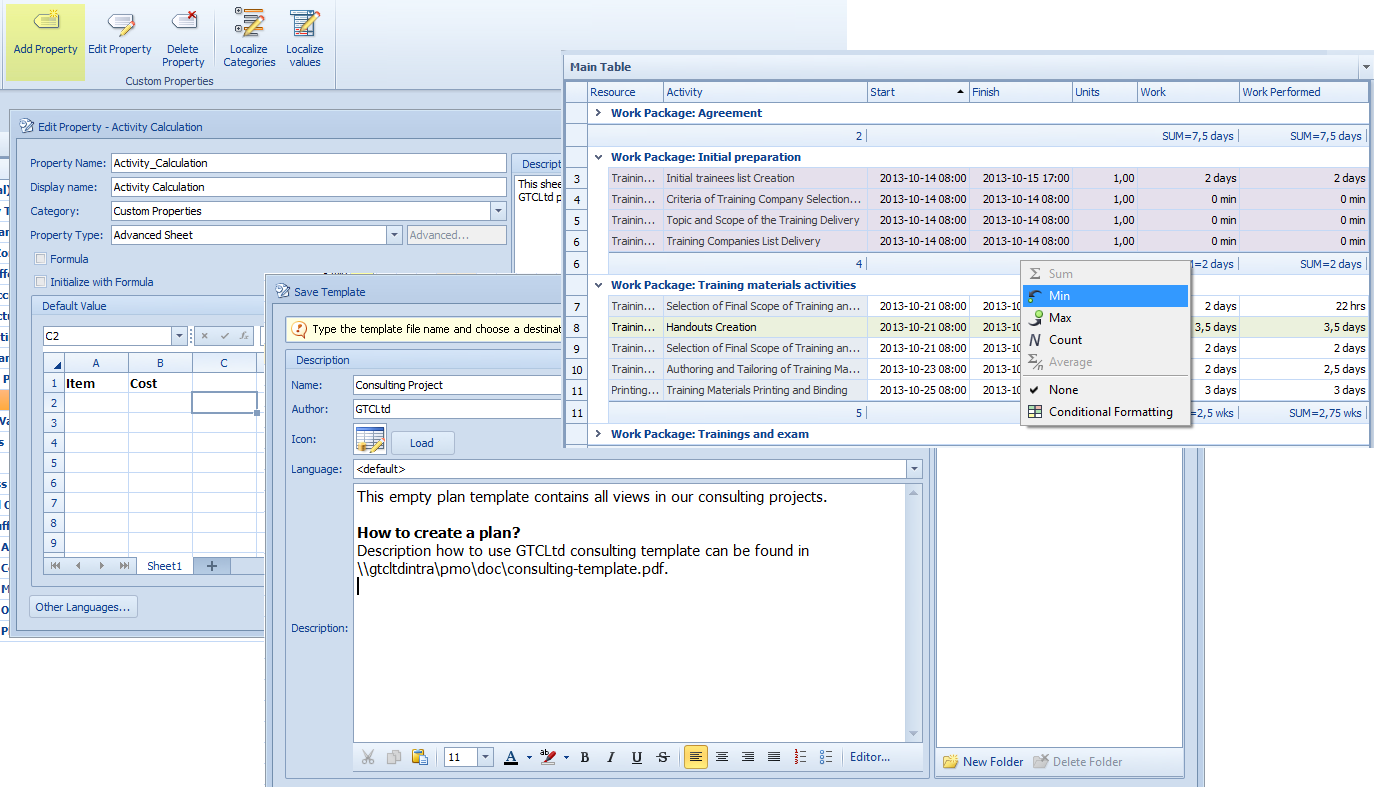
Customize Project Manager 7 to fit all your needs
- Define your own forms, and add new properties and formulas
- Create new templates according to your own standards
- Define summaries, groupings and format your data
- Make customisation a breeze by taking advantage of our consulting services
Private and public cloud ready
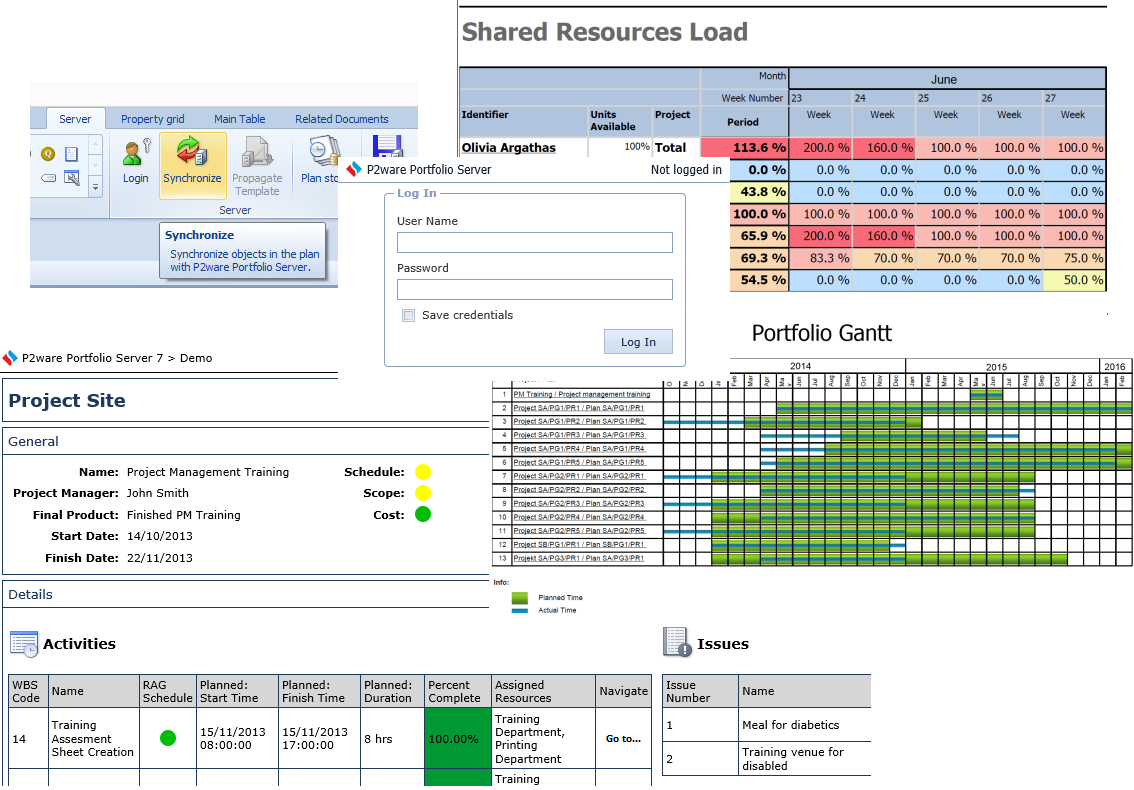
Private and public cloud ready
P2ware Project Manager 7 integrates with
- On-premises P2ware Project Team Server 7
- Enterprise systems with P2ware Portfolio Server 7
