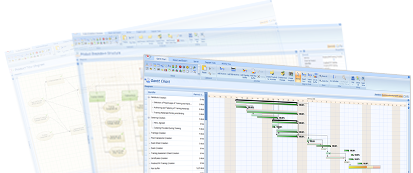
Project Team Server 7 is a highly efficient project management server for project teams and small companies. It delivers robust environment for project planning, execution, team collaboration and document sharing. The server is the best platform on the market for real-time collaboration on multiple projects for professional project managers. It also integrates with all editions of P2ware Project Manager 7 bringing sophisticated customisation functionalities, offline data access and project synchronisation.
Wealth of project management functionalities, web browser access and document sharing combined with easy installation and maintenance makes the software the leading solution for teams in large organisations and small companies that want to manage their projects methodically.
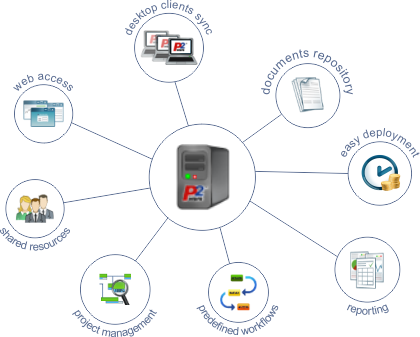
Main features
- Multiple projects management
- Rich support for project planning and execution
- Documents sharing
- Highly useful project reports also available in P2ware Project Manager 7
- Set of predefined templates and workflows
- Data access security
- Online and offline access with P2ware Project Manager 7
- Very low system requirements and easy deployment
Key benefits
- Ready to use project management and team collaboration solution
- All team members have one central place for all project work
- No additional tools required for project management
- Faster and more accurate project planning
- Effective team collaboration on multiple projects
P2ware Project Team Server 7 – the most efficient project management server
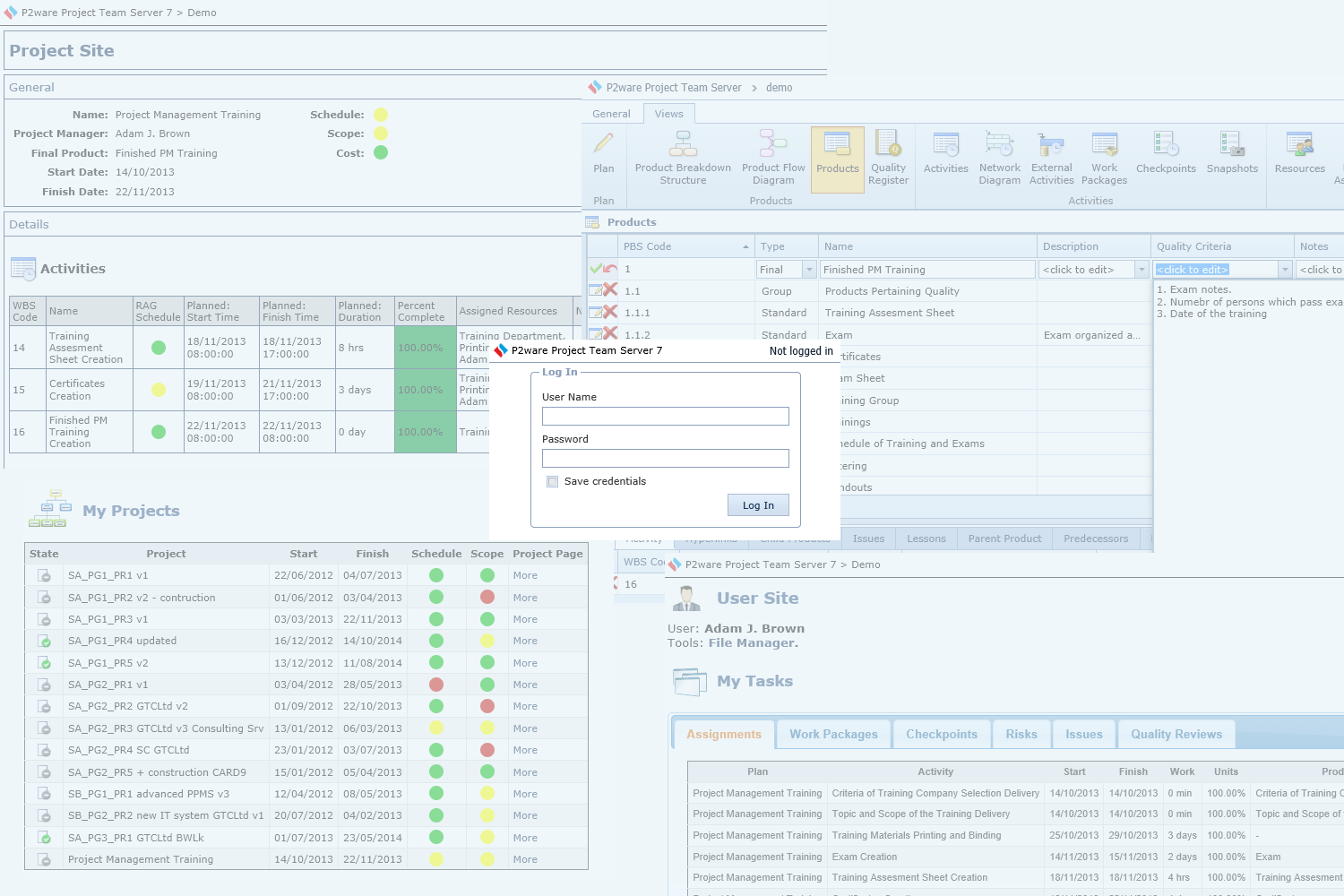
P2ware Project Team Server 7 – the most efficient project management server
Regardless if you run a small company or a project team in a large enterprise Project Team Server is the solution for you. Easy to deploy and bootstrap, it will rapidly increase your team’s productivity and effectiveness of your project management.
Effective management of projects
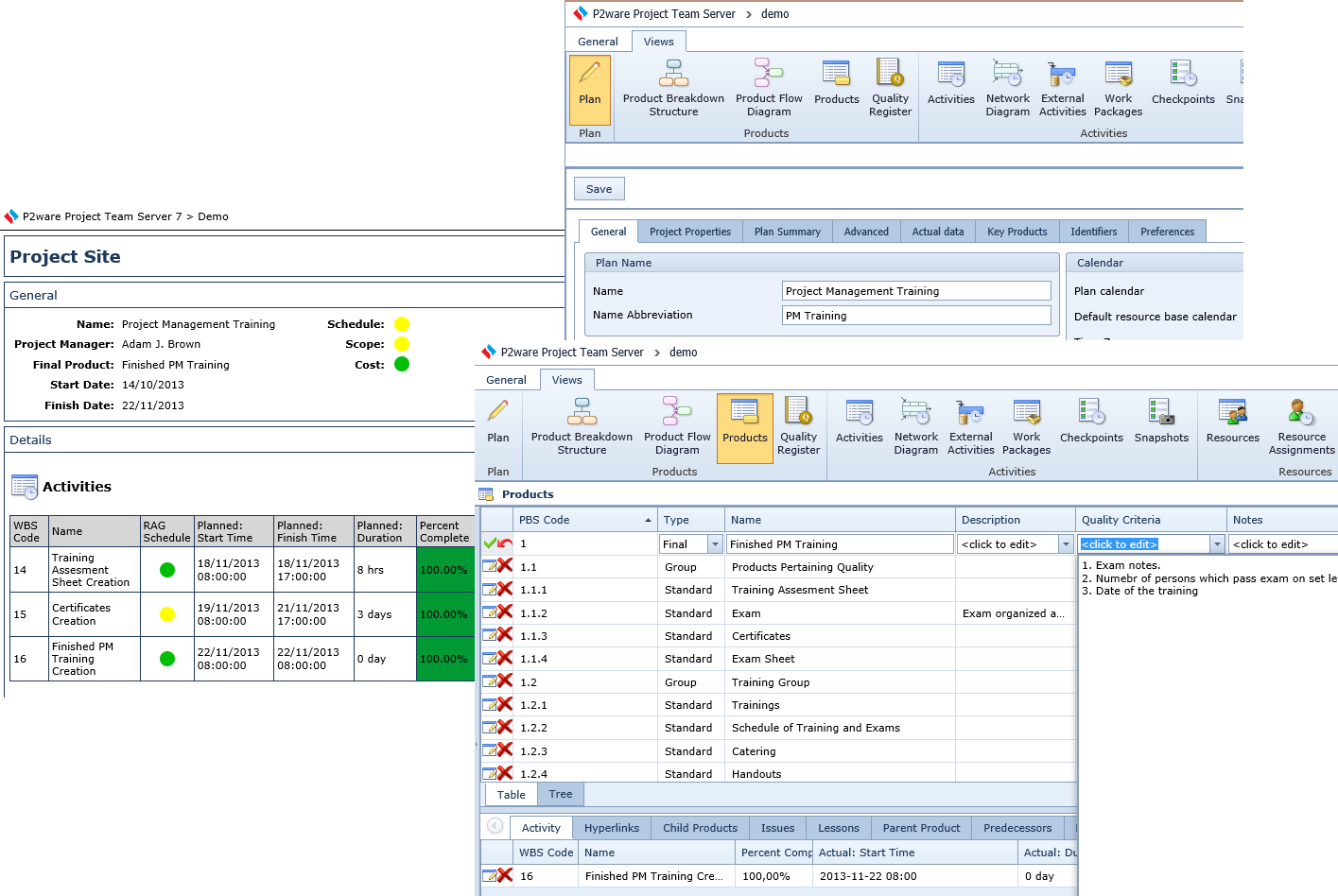
Effective management of projects
- Manage successful projects with leading methodologies like PRINCE2® and PMI PMBOK®
- Plan and control your projects’ scope, budget and schedule
- Collaborate in real time on documents and plans
- Access your data safely from outside company, also in a web browser
Take advantage of planning and execution functionalities of Project Manager 7
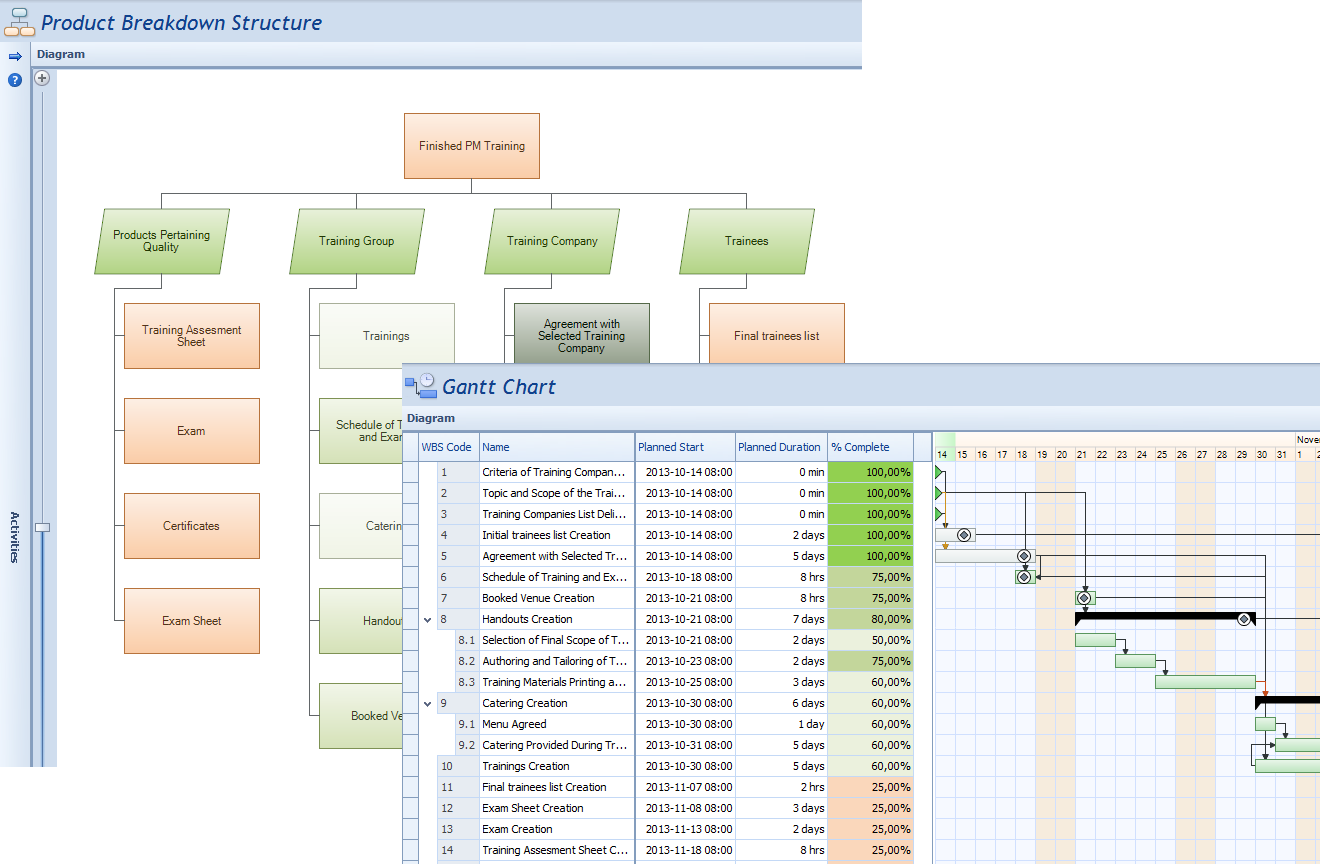
Take advantage of planning and execution functionalities of Project Manager 7
P2ware Project Manager 7 applications connect to P2ware Project Team Server 7 and its proven functionalities are also available to teams working on multiple projects.
- Effective scope and quality planning with product-based planning technique
- Gantt Chart, Network Diagram and other diagrams
- Offline data access while not connected to P2ware Project Team Server 7
- Data synchronization
Plan and execute multiple projects in parallel
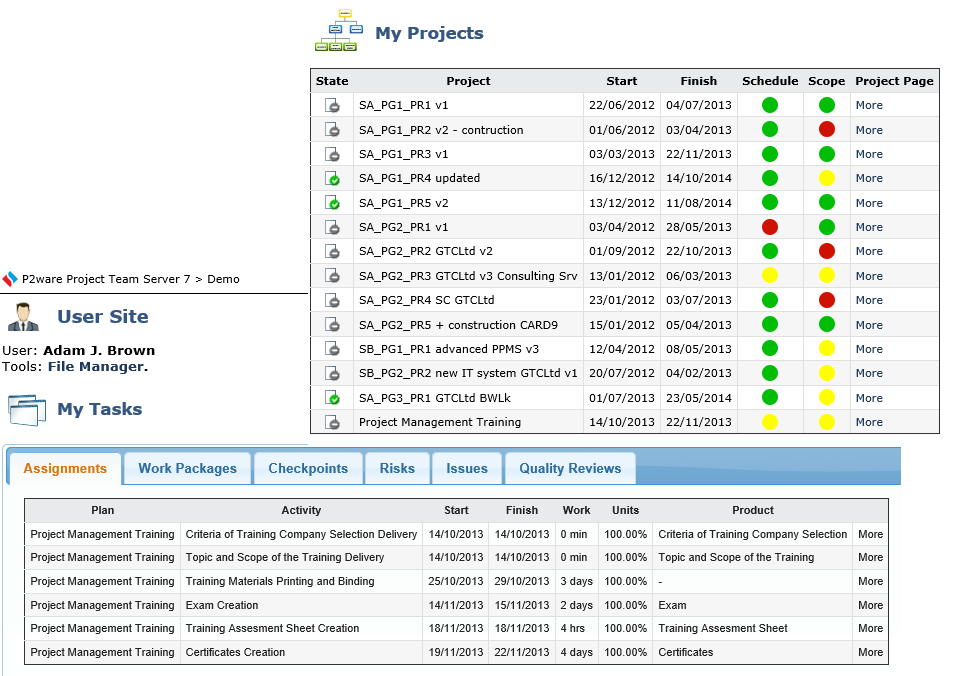
Plan and execute multiple projects in parallel
- Create plans and share them with your team
- Let people know their roles in projects
- Assign tasks and delegate effortlessly
- Track progress of your projects
Keep all your documents and plans in one place
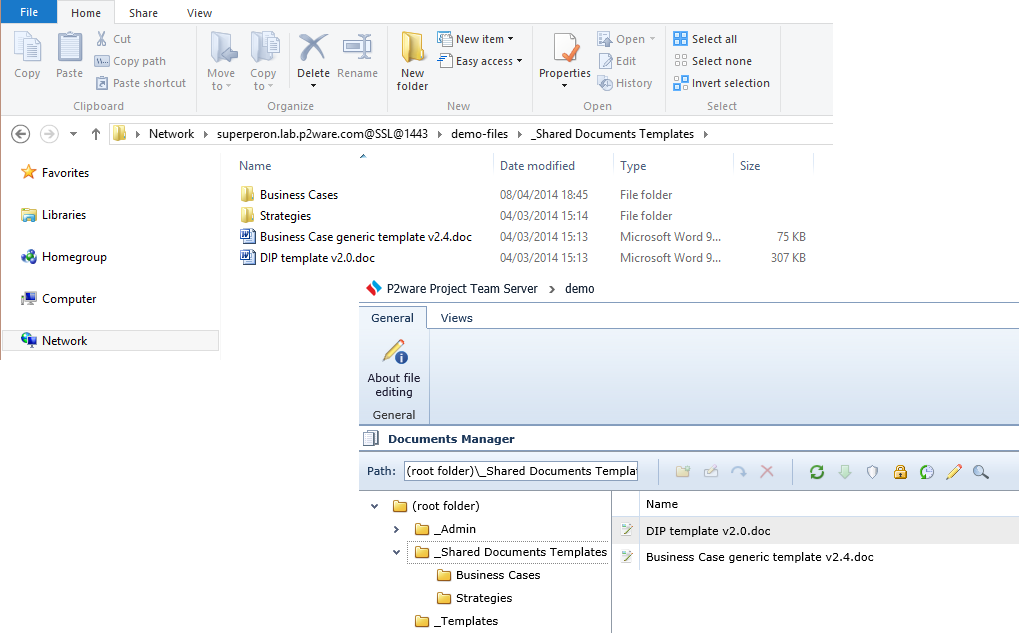
Keep all your documents and plans in one place
- Documents and plan versioning optimized for size and performance
- Control who can and who cannot access specific documents
- Access documents conveniently from Windows File Explorer or through the web browser
Robust user interface via web browser
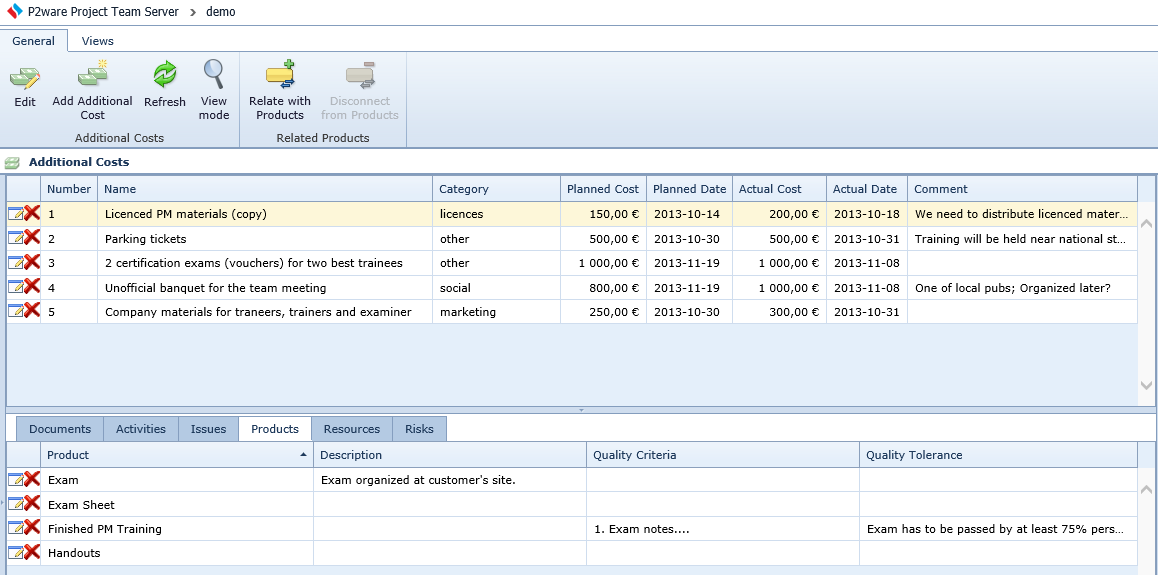
Robust user interface via web browser
- Access your data via web as if you were using full-blown desktop software
- Views, editors, perspectives are the same as on the desktop
- Your projects are fully editable
- Connect to the server using mobile devices
Your projects are as secure as they can be
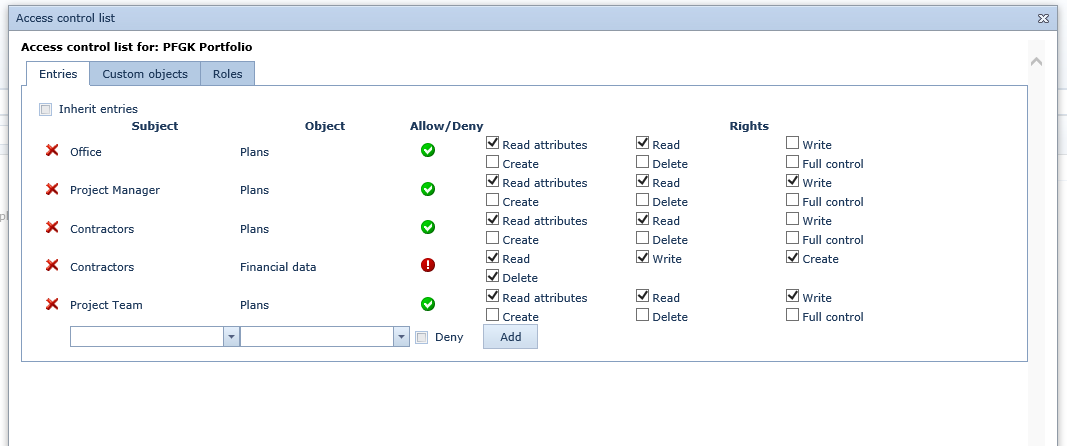
Your projects are as secure as they can be
- Protect your important data with secure SSL protocol
- Manage data access security using clear access rules
- Create groups and roles to further make security management easier
- Manage security also on the level of single data cells
Project management environment ready within minutes
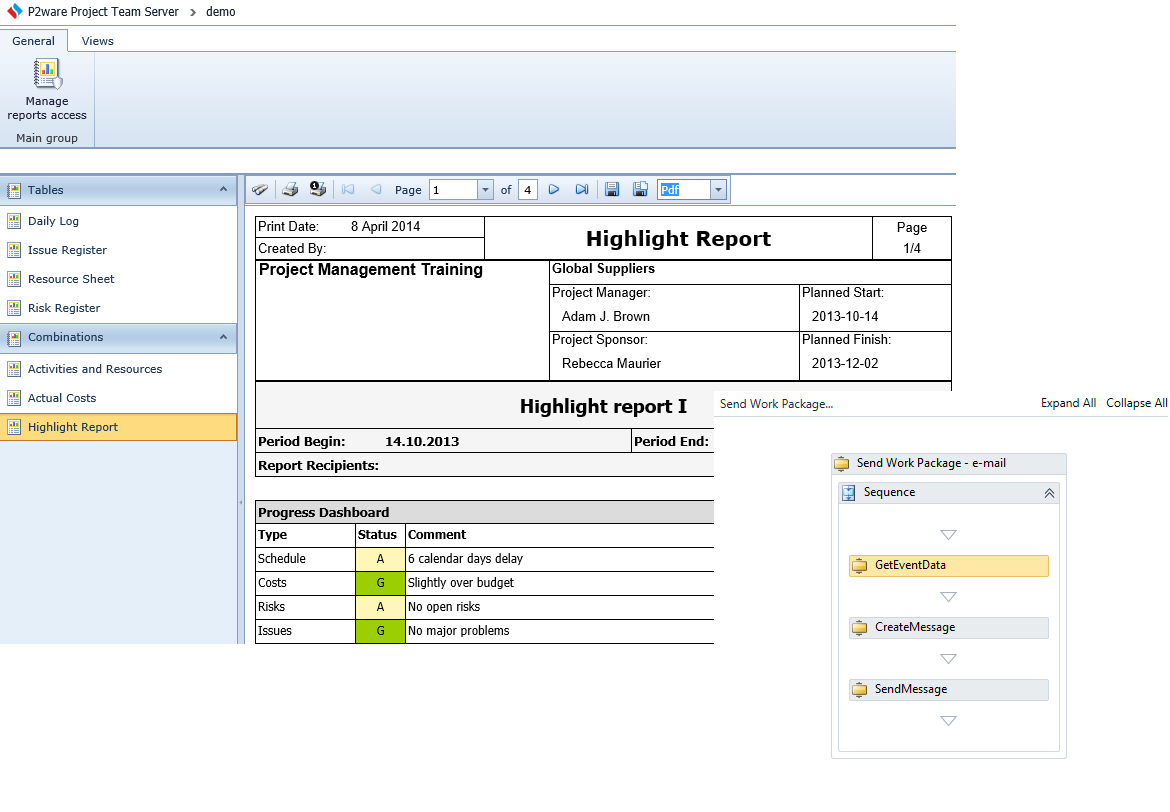
Project management environment ready within minutes
- Available as on premises install or in a cloud
- Easy to install on any PC (no server operating system required)
- Predefined templates ready to use
- Report templates and workflows
Customize your project system to fit your needs
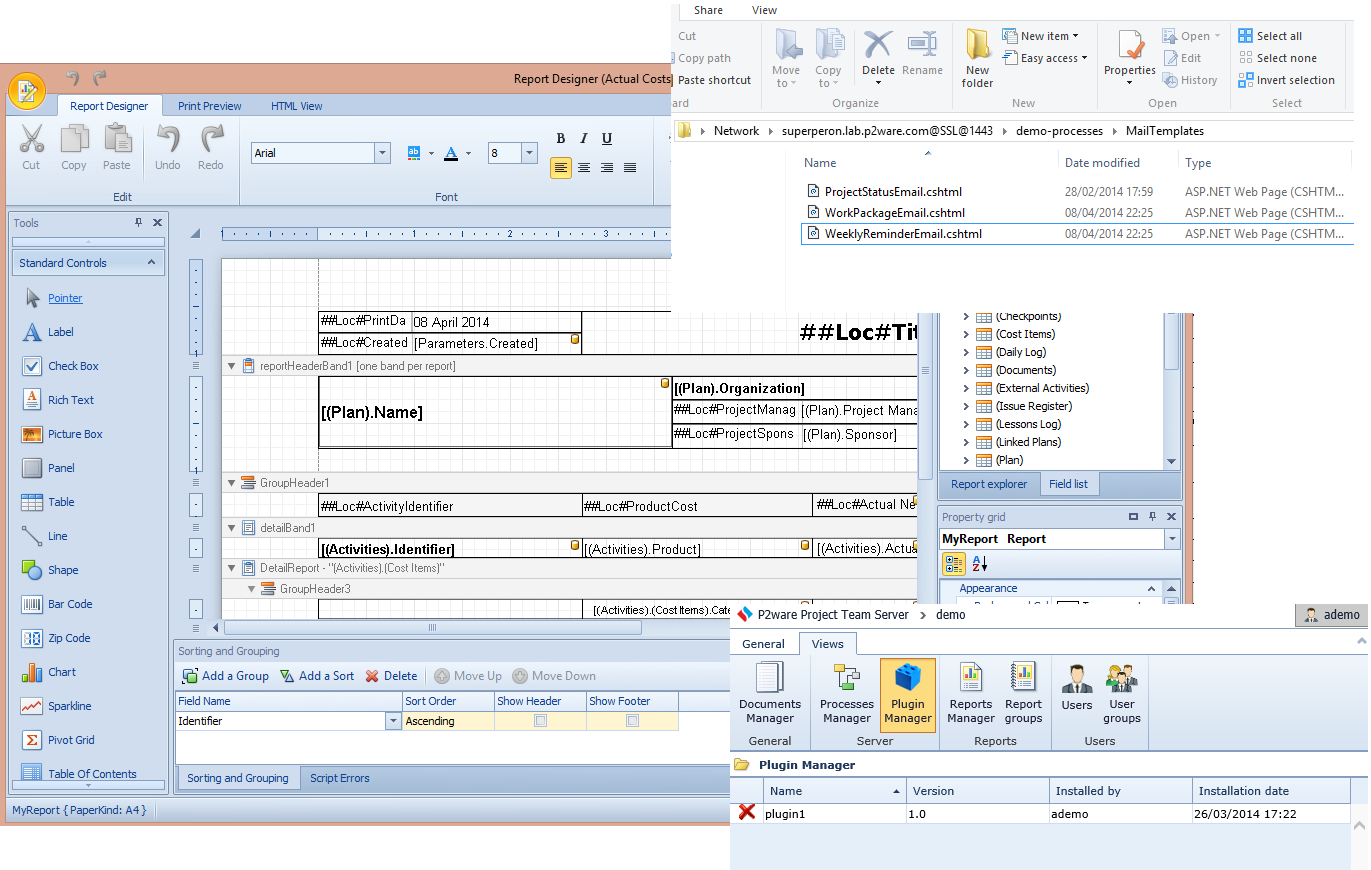
Customize your project system to fit your needs
- Customize projects templates with P2ware Project Manager 7
- Modify e-mail templates and install plugins
- Utilize our consulting services to fully fine-tune the system
